Correcting a UK tax code requires notifying HMRC of any significant changes to your income, employment status, or taxable company benefits. Most taxpayers can resolve discrepancies instantly by updating their details via the Personal Tax Account or the official HMRC app.
Once a report is submitted, HMRC recalculates the allowance and issues an electronic P2 Notice of Coding to the taxpayer and a digital update to the employer’s payroll system to adjust future deductions.
Why you need to know how to change tax code details
A tax code is used by employers and pension providers to calculate how much Income Tax to take from your pay via the PAYE system.
If your code is wrong, you could be underpaying taxes, leading to a surprise debt, or overpaying, which unnecessarily restricts your monthly cash flow. Ensuring your code reflects your current financial reality is a vital part of personal financial management.
The Role of the Personal Allowance in 2026
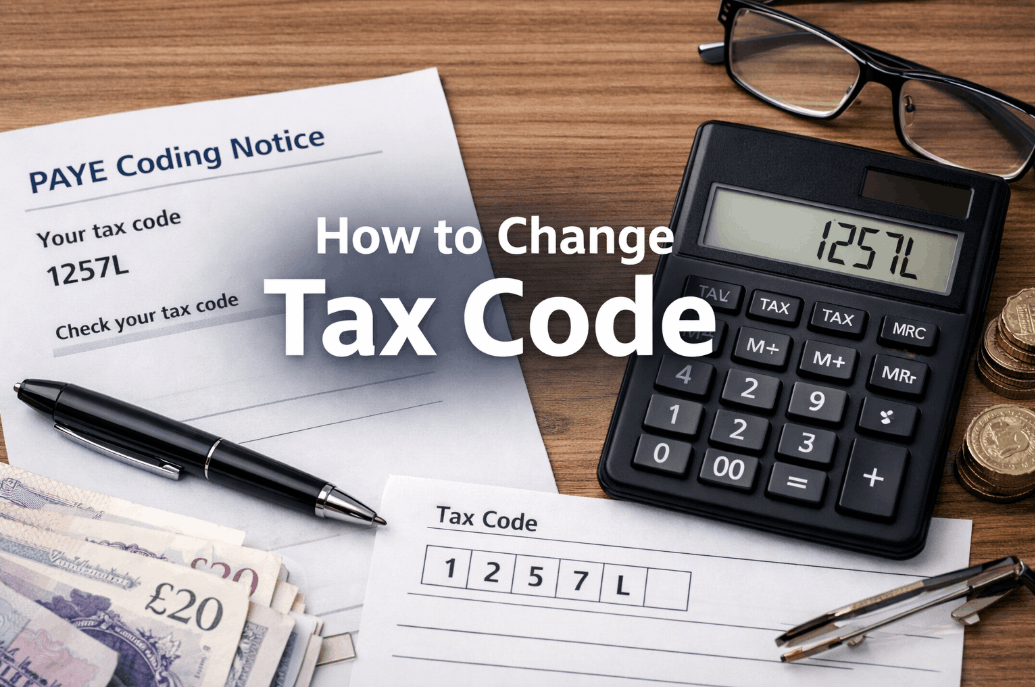
In the current 2026/27 tax year, the standard tax code for most UK residents remains 1257L. This indicates a Personal Allowance of £12,570, which is the amount of income you can earn before paying tax.
However, this allowance is frequently adjusted downward if you receive benefits in kind, such as a company car or private medical insurance, or upward if you are eligible for specific tax reliefs.
Just as managing your monthly PAYE is vital for cash flow, long-term family wealth requires similar attention; for instance, understanding the biggest mistake parents make when setting up a trust fund is essential to ensure a child’s inheritance isn’t eroded by preventable tax charges.
Effective tax code management is just the first step in a broader wealth protection strategy.

How to change tax code errors via HMRC digital services
The most efficient way to correct a tax code is through the government’s digital Check your Income Tax service.
By accessing your digital tax account, you can view the income sources HMRC has on file and submit real-time updates to your estimated annual earnings or company benefits.
HMRC typically processes digital updates within 15 working days. Once the change is verified, they will send a Notice of Coding to your employer.
Because payroll is often run mid-month, the change usually appears on your next available payslip rather than the current one.
Essential Steps for Updating Your Details
- Log in to your Personal Tax Account using your Government Gateway ID and password.
- Navigate to the Pay As You Earn (PAYE) section to view your current employer and tax code.
- Select Check your Income Tax services to see how your current code is calculated.
- Click Update or Edit on the specific income source or benefit that is incorrect.
- Submit the correct figures, such as your expected annual salary or the value of your professional expenses.
- Confirm your contact details and submit the request for HMRC review.
- Monitor your Tax Account Messages for a confirmation that a new tax code has been issued.
Common scenarios that require a code adjustment
In my experience assisting with payroll queries, the most frequent reason for a code change is a shift in employment.
If you start a new job without providing a P45, your new employer may put you on an Emergency Tax Code (often marked as W1, M1, or X), which treats every pay period in isolation and can result in overpayment.
This often happens during career transitions or redundancy. If you are navigating a job loss, it is wise to establish exactly how much tax will i pay on 60,000 in redundancy to ensure your final payout doesn’t inadvertently push you into a higher tax bracket for the remainder of the year.
A similar shift in your tax-free threshold occurs with the Marriage Allowance, where a lower-earning partner transfers £1,260 of their allowance to their spouse.
This requires a formal application to HMRC, after which both partners will receive new tax codes to reflect the transfer.
| Reason for Change | Impact on Tax Code | Action Required |
| New Company Car | Code decreases (e.g., 1257L to 900L) | Report car value and fuel type to HMRC |
| Professional Fees | Code increases (e.g., 1257L to 1280L) | Claim relief for mandatory union/pro fees |
| Second Job | Code applied as BR or D0 | Split allowance between employers via HMRC app |
| Marriage Allowance | Transfer of £1,260 allowance | Apply online; codes for both partners change |
What does the K tax code mean and how is it fixed?
A K prefix at the start of your tax code indicates that your taxable income from benefits or state pension is higher than your Personal Allowance.
Essentially, you have a minus allowance, and HMRC must collect tax on the excess. This often happens if you have a high-value company car or are paying back a previous year’s tax debt through your salary.
Professional payroll reviews often uncover K codes triggered by outdated company car data or ghost benefits from previous employers that haven’t been closed off.
By submitting a P11D equivalent update through the HMRC app, these defunct benefits can usually be removed to restore a standard L code within a single pay cycle.

Methods for contacting HMRC regarding your tax code
While digital updates are the standard, complex scenarios involving multiple pensions often require direct liaison with an HMRC adviser.
Many taxpayers use these calls to clarify broader estate queries, such as what happens to your private pension when you die and how that legacy affects a beneficiary’s tax position. For the quickest response, the Income Tax Helpline (0300 200 3300) is best reached at 8:00 AM to avoid the midday peak.
- Online: Use the Personal Tax Account or HMRC App.
- Phone: Call the Income Tax Helpline on 0300 200 3300.
- Post: Write to HMRC at Pay As You Earn and Self Assessment, HM Revenue and Customs, BX9 1AS.
Advice for business owners handling staff tax queries
As a business owner, you might find employees asking you how to change tax code assignments because they believe their payslip is wrong.
It is critical to understand that an employer has no legal authority to change a tax code manually.
While directors are often preoccupied with broader operational costs and monitoring what the current business electricity rates in the UK to maintain margins, an employee’s specific tax code remains a private matter between that individual and HMRC.
You must operate the code sent to you by HMRC via the Full Payment Submission (FPS) or a P6 notice.
Direct your employees to the HMRC app as the first port of call.
If you attempt to help by changing a code in your payroll software without an official notice, you risk non-compliance and will likely trigger an automated reconciliation error in the RTI (Real Time Information) system.
Information employers should provide to staff
- Confirm the current code being used in the payroll software.
- Provide a copy of the latest P60 or recent payslips.
- Explain that HMRC—not the payroll department—determines the tax-free threshold.
How long does it take for a change to take effect?
Once HMRC approves a change, they issue an electronic coding notice to your employer. The speed at which this hits your pocket depends on your employer’s payroll cutoff date.
If your code changes on the 20th of the month, but your company processes payroll on the 15th, you won’t see the difference until the following month.
| Entity | Role in the Process | Typical Timeline |
| Taxpayer | Reports change via PTA or App | Immediate submission |
| HMRC | Verifies data and issues new code | 2 to 15 working days |
| Employer | Downloads new code via payroll software | Next available pay run |
Final Action Checklist
Regular audits of your tax code prevent the stress of year-end underpayments. To ensure your 2026/27 taxes are accurate, verify your National Insurance number against your latest payslip and use the HMRC App to report any changes in your income or professional expenses immediately.
Once HMRC issues a new Notice of Coding, confirm that the adjustment is reflected in your next available payroll run.

FAQ about how to change tax code
Can my employer change my tax code for me?
No. Employers can only change a tax code when they receive an official notification (P6 or P9) from HMRC. If you believe your code is wrong, you must contact HMRC directly to initiate the correction.
Why is my tax code 1257L?
1257L is the standard tax code for the 2026/27 tax year for most people with one job and no untaxed income. It represents the £12,570 tax-free Personal Allowance divided by ten.
What should I do if I am on an emergency tax code?
Check your latest payslip for W1, M1, or X. If you see these, provide your new employer with your P45 from your previous job or complete HMRC’s Starter Checklist online to get a permanent code.
How do I split my tax allowance between two jobs?
You can ask HMRC to move a portion of your £12,570 allowance to your second job if you don’t earn enough in your first job to use it all. This prevents overpaying tax at the basic rate on the second income.
Will I get a refund if I change my tax code mid-year?
Yes, usually. If your code changes to a more favourable one (e.g., from an emergency code to 1257L), the PAYE system is cumulative and will typically refund overpaid tax in your next payslip automatically.
Can I change my tax code if I work from home?
You can claim tax relief for job-related expenses if you are required to work from home. If approved, HMRC will increase your tax code, allowing you to earn more income before tax is deducted.
How often do tax codes change?
Codes usually change at the start of a new tax year (April 6th) or whenever your financial circumstances change, such as receiving a new taxable benefit or changing your marital status for allowance purposes.