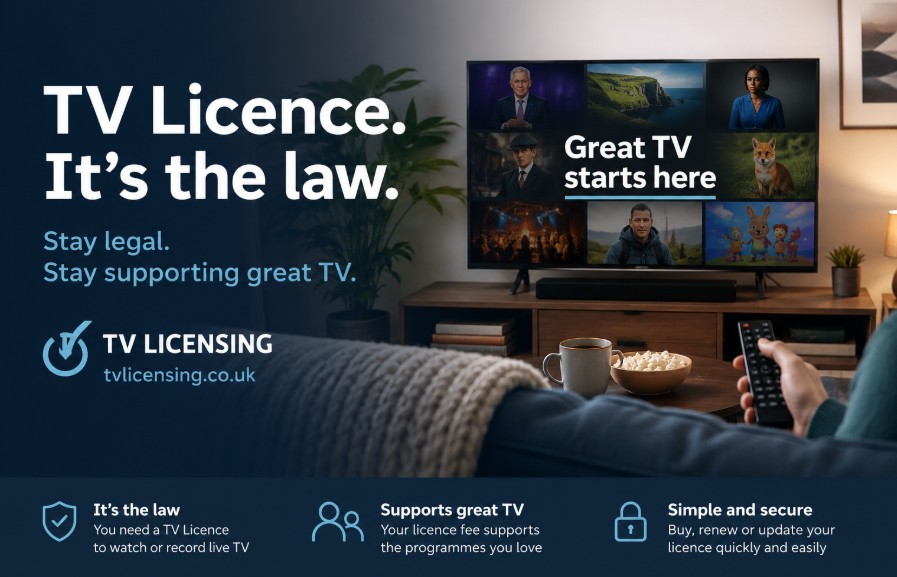
A television licence is a legal requirement for any household in the United Kingdom that watches or records live television programmes as they are being broadcast or uses BBC iPlayer.
This fee serves as the primary funding mechanism for the BBC, covering its television, radio, and online output across the nation.
What is a television licence?
A television licence is a government-mandated permit required under the Communications Act 2003 to install or use television receiving equipment to watch or record live broadcasts or use BBC iPlayer.
This legal obligation applies to the activity of watching content rather than the ownership of the device itself.
Whether you use a traditional television set, a laptop, a tablet, a smartphone, or a games console, a valid licence is mandatory if you consume live programming or BBC-exclusive on-demand content.
The Legal Reality of Broadcast Content
You must hold a television licence if you watch or record live television as it is being broadcast, regardless of the channel or the platform.
This requirement is not limited to the BBC; it covers all television services, including ITV, Channel 4, Sky, and any live streams delivered via terrestrial, satellite, cable, or online streaming platforms.
The law is triggered by the act of receiving a broadcast signal at the same time as the rest of the public.
Do I actually need a television licence?
You are legally required to hold a television licence if you watch or record programmes as they are being broadcast on any channel, or if you use BBC iPlayer for any content (live or on-demand).
If you are considering upgrading your hardware, for instance, if a Sky Glass 4K UHD TV includes a Sky Ultimate TV Subscription, it is important to remember that the licence requirement is tied to your viewing habits rather than the device itself.
If you exclusively consume on-demand content via platforms like Netflix, Disney+, or Amazon Prime, and you never watch live TV or use BBC iPlayer, you do not require a licence.
The requirement is entirely dependent on your specific viewing habits. Under current UK law, a television licence is required for:
- Watching or recording live TV on any channel (e.g., ITV, Channel 4, Channel 5).
- Using BBC iPlayer for any content, including on-demand catch-up services.
- Watching live content via digital services (e.g., YouTube live streams or social media broadcasts).
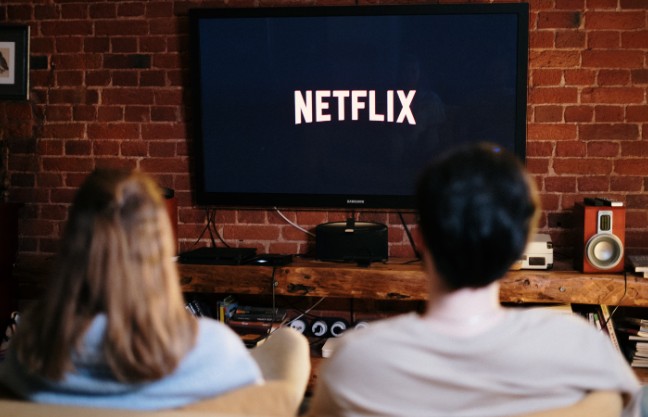
Who is exempt from needing a licence?
You do not need a licence if you never watch or record live TV on any channel (including live streams on YouTube or social media) and never use BBC iPlayer. This includes households that:
- Exclusively watch on-demand or catch-up services (e.g., Netflix, Amazon Prime, Disney+, or YouTube on-demand).
- Watch only pre-recorded DVDs or Blu-rays.
- Only play video games.
- If you fall into this category, you should submit a No Licence Needed declaration via the official TV Licensing portal to stop receiving enforcement letters.
What you can watch without a licence?
| Service Type | Licence Required? |
| Live TV (any channel) | Yes |
| BBC iPlayer (all content) | Yes |
| Netflix, Disney+, Amazon Prime (on-demand only) | No |
| YouTube (on-demand videos) | No |
| DVD or Blu-ray playback | No |
Note: For further administrative guidance, refer to official documentation regarding contact and account management at tvlicensing.co.uk.
How much is a television licence?
As of 1 April 2026, the annual fee for a standard colour television licence is £180.00. For households using black-and-white television sets, the annual fee is £60.50.
These rates are set by the government and are subject to annual adjustments in line with the Consumer Price Index (CPI) until the end of the current BBC Charter period in 2027.
How often do you pay for a television licence?
You can choose from several payment frequencies:
- Monthly Direct Debit: Payments are spread over the year.
- Quarterly Direct Debit: Four payments per year.
- Weekly/Fortnightly Cash Payments: Using a TV Licensing payment card at any PayPoint outlet.

How to pay for a television licence?
You can manage payments through various methods to suit your financial preferences:
- Direct Debit: The most popular method. You can spread the cost through monthly or quarterly installments. Note that quarterly payments incur an additional £1.25 charge per installment.
- Debit or Credit Card: You can pay the full annual amount online at the official TV Licensing website or by calling 0300 790 6165.
- TV Licensing Payment Card: Allows you to pay weekly, fortnightly, or monthly at any PayPoint outlet (using cash or debit card), online, or via phone.
- Other Methods: You can also pay via BACS bank transfer, or by sending a cheque or postal order for the full annual amount to the TV Licensing office.
Who is eligible for a free or discounted television licence?
Specific groups are entitled to financial relief regarding the television licence fee, often based on age or disability status. These concessions must be applied for formally through the official TV Licensing portal.
Concessionary schemes overview
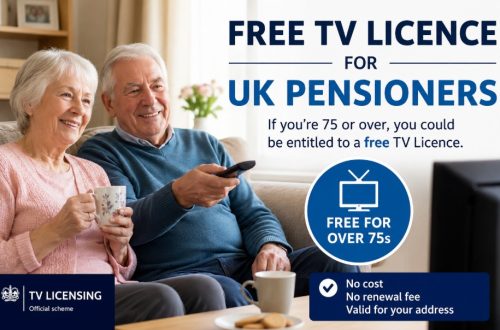
- Pension Credit: Households where anyone is aged 75 or over and receives Pension Credit are eligible for a free television licence.
- Registered Blind (Severely Sight Impaired): Those who are certified as blind by an ophthalmologist are entitled to a 50% discount on the standard fee.
- Care Homes: Residents in certain residential care settings may be eligible for a concessionary licence priced at £7.50 per room, unit, or flat.
How to manage your television licence?
Managing your licence status is a straightforward process handled through the official TV Licensing portal.
Whether you are moving home, updating your payment details, or submitting a No Licence Needed declaration because your viewing habits have changed, you can complete these administrative updates online at any time of day.
Steps to manage your licence online
- Navigate to the official TV Licensing website.
- Select the relevant action: Renew, Pay, or Tell us you don’t need a licence.
- Enter your licence number or postcode to retrieve your account details.
- Confirm your current living situation or viewing habits.
- If cancelling, provide the required declaration of your non-viewing status.
- Submit the form to update the database immediately.
- Retain the confirmation receipt for your personal records.
- Contact the TV Licensing phone number if you encounter technical difficulties.
Understanding TV Licensing enforcement
TV Licensing enforcement officers do not have special powers of entry; they cannot enter your home without your permission or a search warrant issued by a magistrate.
If you are suspected of watching live TV without a licence, the agency may initiate an investigation.
What happens if I do not have a licence?
If you watch live TV without a valid licence, you are committing a criminal offence. The TV Licensing agency may initiate an investigation, which can result in a fine of up to £1,000, plus legal costs and compensation.
Key Takeaways for Compliance
- Assess your habits: If you only watch on-demand, you do not need to pay.
- Stay updated: If your circumstances change (e.g., moving home), update your details online.
- Use official channels: Always use tvlicensing.co.uk to avoid scams.
- Declare status: If you don’t need a licence, use the No Licence Needed form to stop enforcement letters.
Summary of Key Takeaways
The requirement for a television licence is strictly tied to the consumption of live broadcast media and BBC iPlayer services. To remain compliant, assess your household viewing habits accurately.
If you do not watch live TV, ensure you submit a formal declaration to avoid unnecessary correspondence. Always use official government-linked portals for payments or cancellations to ensure your data is secure.
FAQ about Television Licence
Do I need a TV licence for a smart TV?
Not if you only use it for streaming apps like Netflix or Amazon Prime. However, if you use the TV to watch live broadcasts through an aerial or an app like ITVX, a licence is mandatory.
How do I contact the TV Licensing phone number?
You can find the official contact details on the back of your paper licence or the official website. Ensure you are using the verified 0800 free number provided by the licensing authority.
Is a TV licence becoming mandatory for the UK?
The licence has been a mandatory requirement for live broadcast reception since the inception of the BBC. It remains the legal funding mechanism for the corporation in the current regulatory environment.
Can I cancel my TV Licence if I only watch Amazon Prime?
Yes. If you strictly use Amazon Prime for on-demand content and do not access live broadcasts or iPlayer, you can submit a No Licence Needed declaration to cancel your existing coverage.
What is the television licence Ireland rule vs UK?
Ireland operates a separate system where the TV Licence is managed by An Post and governed by Irish law, which is entirely distinct from the UK’s TV Licensing framework.
How to avoid paying a TV licence legally?
The only way to avoid the fee legally is to ensure you do not watch or record live television on any channel or use BBC iPlayer. If you meet these criteria, you must inform the authorities.
Do you actually need a TV licence?
Yes, if you watch or record live TV as it is being broadcast on any channel, or if you use BBC iPlayer, you are legally required to hold a valid licence.